
iFANN
    iFANNを検索...
    ログイン
    ホーム
    ニュース
    動画
    ブック
    写真
    GIF
    見つける
    投票
    アワード
    iFAMOUS
    ウィキ
    アニメ
    ルーム
    通知
    メッセージ
    ブックマーク
    プロフィール
    ウィキアワードiFAMOUSランキング業界クリエイター報酬ユーザー報酬利用規約プライバシーコミュニティガイドライン削除申請 / DMCAヘルプ開発者

    © 2026 iFANN

    ホーム
    検索
    メッセージ
    お知らせ
    プロフィール
    写真
    Timofey
    Timofey@timofey3mo
    💭Tech
    Computer keyboard shortcuts list

    @timofeyThis resource maps out a full set of computer keyboard shortcuts starting with the core CTRL commands like CTRL+A Select All, CTRL+C Copy, CTRL+X Cut, CTRL+V Paste, CTRL+Z Undo, CTRL+B Bold, CTRL+U Underline, and CTRL+I Italic. Function keys cover F1 Help, F2 Rename selected object, F3 Find all files, F4 Opens file list drop-down in dialogs, F5 Refresh current window, F6 Shifts focus in Windows Explorer, and F10 Activates menu bar options. Alt combinations handle ALT+TAB Cycles between open applications, ALT+F4 Quit program close current window, ALT+F6 Switch between current program windows, ALT+ENTER Opens properties dialog, ALT+SPACE System menu for current window, and ALT+¢ opens drop-down lists in dialog boxes. Additional keys include BACKSPACE Switch to parent folder, CTRL+ESC Opens Start menu, CTRL+ALT+DEL Opens task manager reboots the computer, CTRL+TAB Move through property tabs, CTRL+SHIFT+DRAG Create shortcut, CTRL+DRAG Copy File, ESC Cancel last function, SHIFT Press or hold SHIFT insert CD-ROM to bypass auto-play, SHIFT+DRAG Move file, and SHIFT+F10 Opens context menu. Document cursor controls feature HOME to beginning of line or far left, END to end of line or far right, CTRL+HOME to the top, CTRL+END to the bottom, PAGE UP moves document up one page, PAGE DOWN moves document down one page, ARROW KEYS move focus, CTRL+ > next word, and CTRL+SHIFT+ > selects word. The Windows Explorer Tree Control section lists Numeric Keypad * Expand all under current selection, Numeric Keypad + Expands current selection, and Numeric Keypad, Collapses current selection. A dedicated section pairs special characters with their corresponding Alt codes such as opening single quote alt 0145, closing single quote alt 0146, opening double quote alt 0147, closing double quote alt 0148, en dash alt 0150, em dash alt 0151, ellipsis alt 0133, bullet alt 0149, registration mark alt 0174, copyright alt 0169, trademark alt 0153, degree symbol alt 0176, cent sign alt 0162, and fractions alt 0188, 0189, 0190. The post wraps up by inviting readers to add their own shortcuts in the comments.

    元の投稿を見る

    Computer keyboard shortcuts list

    @timofeyさんの写真· Aug 16, 2026· Tech

    この写真について

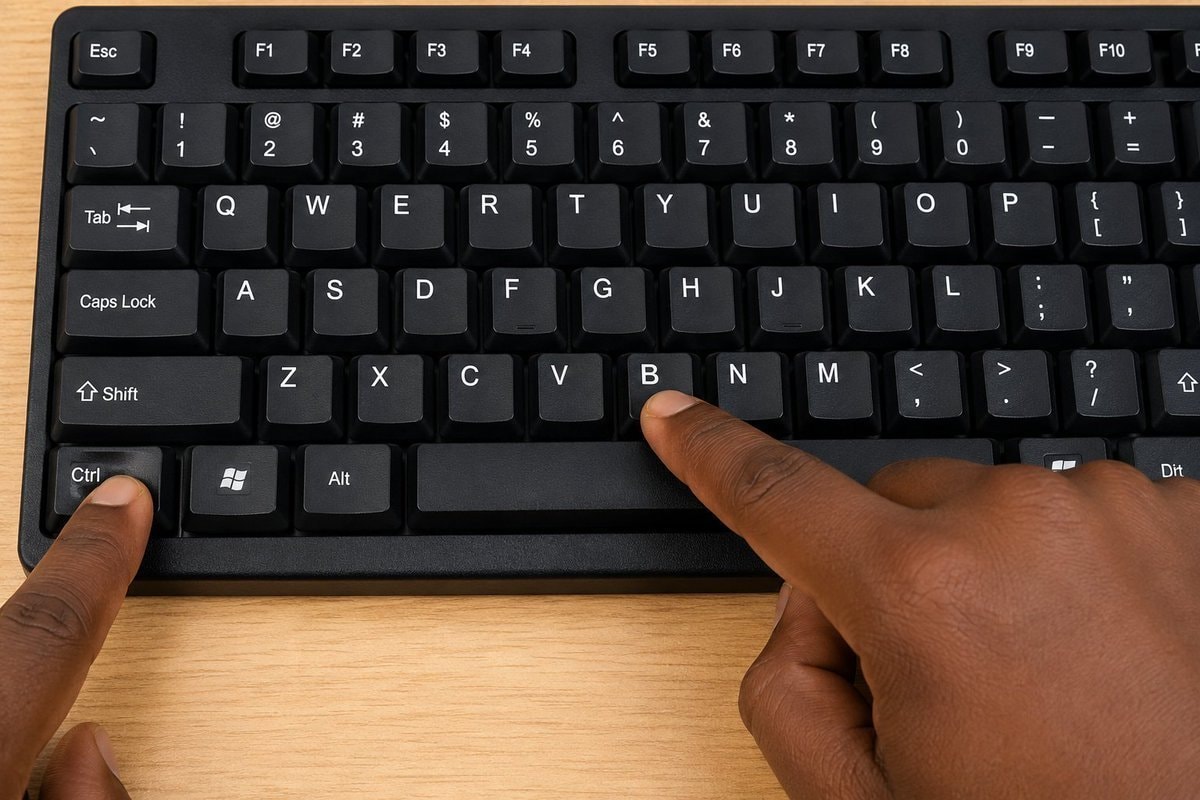
    A close-up shot focuses on a black keyboard with a person's hands using it. The left hand's index finger is pressing the Ctrl key, while the right hand's index finger is pressing the B key. The background is a light-colored wooden surface. The style is clean and minimalist, highlighting the action of typing.

    Techの写真をすべて見る

    ?

    まだコメントはありません。最初のコメントを投稿しましょう!

    Techの写真をもっと見る

    Techの写真をすべて見る
    Twitter/X ads in Quotes tab2Twitter/X ads in Quotes tabAustralian artists oppose AI copyright law2Australian artists oppose AI copyright lawTop tier humor and sarcasmTop tier humor and sarcasmHungerG stealth model OpenCode2HungerG stealth model OpenCodeElon Musk career timelineElon Musk career timelineTikTok outageTikTok outageJensen back at NvidiaJensen back at NvidiaTikTok outage reported by usersTikTok outage reported by usersAlbert Einstein imagination quoteAlbert Einstein imagination quote
    写真
    Timofey
    Timofey@timofey3mo
    💭Tech
    Computer keyboard shortcuts list

    @timofeyThis resource maps out a full set of computer keyboard shortcuts starting with the core CTRL commands like CTRL+A Select All, CTRL+C Copy, CTRL+X Cut, CTRL+V Paste, CTRL+Z Undo, CTRL+B Bold, CTRL+U Underline, and CTRL+I Italic. Function keys cover F1 Help, F2 Rename selected object, F3 Find all files, F4 Opens file list drop-down in dialogs, F5 Refresh current window, F6 Shifts focus in Windows Explorer, and F10 Activates menu bar options. Alt combinations handle ALT+TAB Cycles between open applications, ALT+F4 Quit program close current window, ALT+F6 Switch between current program windows, ALT+ENTER Opens properties dialog, ALT+SPACE System menu for current window, and ALT+¢ opens drop-down lists in dialog boxes. Additional keys include BACKSPACE Switch to parent folder, CTRL+ESC Opens Start menu, CTRL+ALT+DEL Opens task manager reboots the computer, CTRL+TAB Move through property tabs, CTRL+SHIFT+DRAG Create shortcut, CTRL+DRAG Copy File, ESC Cancel last function, SHIFT Press or hold SHIFT insert CD-ROM to bypass auto-play, SHIFT+DRAG Move file, and SHIFT+F10 Opens context menu. Document cursor controls feature HOME to beginning of line or far left, END to end of line or far right, CTRL+HOME to the top, CTRL+END to the bottom, PAGE UP moves document up one page, PAGE DOWN moves document down one page, ARROW KEYS move focus, CTRL+ > next word, and CTRL+SHIFT+ > selects word. The Windows Explorer Tree Control section lists Numeric Keypad * Expand all under current selection, Numeric Keypad + Expands current selection, and Numeric Keypad, Collapses current selection. A dedicated section pairs special characters with their corresponding Alt codes such as opening single quote alt 0145, closing single quote alt 0146, opening double quote alt 0147, closing double quote alt 0148, en dash alt 0150, em dash alt 0151, ellipsis alt 0133, bullet alt 0149, registration mark alt 0174, copyright alt 0169, trademark alt 0153, degree symbol alt 0176, cent sign alt 0162, and fractions alt 0188, 0189, 0190. The post wraps up by inviting readers to add their own shortcuts in the comments.

    元の投稿を見る

    Computer keyboard shortcuts list

    @timofeyさんの写真· Aug 16, 2026· Tech

    この写真について

    A close-up shot focuses on a black keyboard with a person's hands using it. The left hand's index finger is pressing the Ctrl key, while the right hand's index finger is pressing the B key. The background is a light-colored wooden surface. The style is clean and minimalist, highlighting the action of typing.

    Techの写真をすべて見る

    ?

    まだコメントはありません。最初のコメントを投稿しましょう!

    Techの写真をもっと見る

    Techの写真をすべて見る
    Twitter/X ads in Quotes tab2Twitter/X ads in Quotes tabAustralian artists oppose AI copyright law2Australian artists oppose AI copyright lawTop tier humor and sarcasmTop tier humor and sarcasmHungerG stealth model OpenCode2HungerG stealth model OpenCodeElon Musk career timelineElon Musk career timelineTikTok outageTikTok outageJensen back at NvidiaJensen back at NvidiaTikTok outage reported by usersTikTok outage reported by usersAlbert Einstein imagination quoteAlbert Einstein imagination quote